Your invitation, in one link.
Pick a template for a wedding, baptism or birthday, edit it right on the screen, and send one link. Guests open it on their phone, with no app and no account, and reply in a few taps. Every answer lands in your guest list.
The invitation page with automatic RSVP is part of the Ultimate plan.

Ioana & Matei
We'd love to see you at our wedding! All the details and the RSVP are here:
invitatie.la/ioana-si-matei-7c41a9e2
Open the invitation
What an invitation link is
Your event's own page, one tap away
The invitation link opens your online invitation: the design, the program, the locations and the RSVP form, on one page made for phones.
One link
Send it on WhatsApp, in the family group or on social media. The same link is in the QR code.
Opens anywhere
The invitation works in any phone's browser. Guests don't install anything or create an account.
Tied to your list
Every reply, with companions and answers to your questions, appears in your guest list automatically.
For hosts
Ready to send in minutes
Everything happens in Memorama, on your phone or computer. You can try the editor before creating an account.
- 1
Pick a template
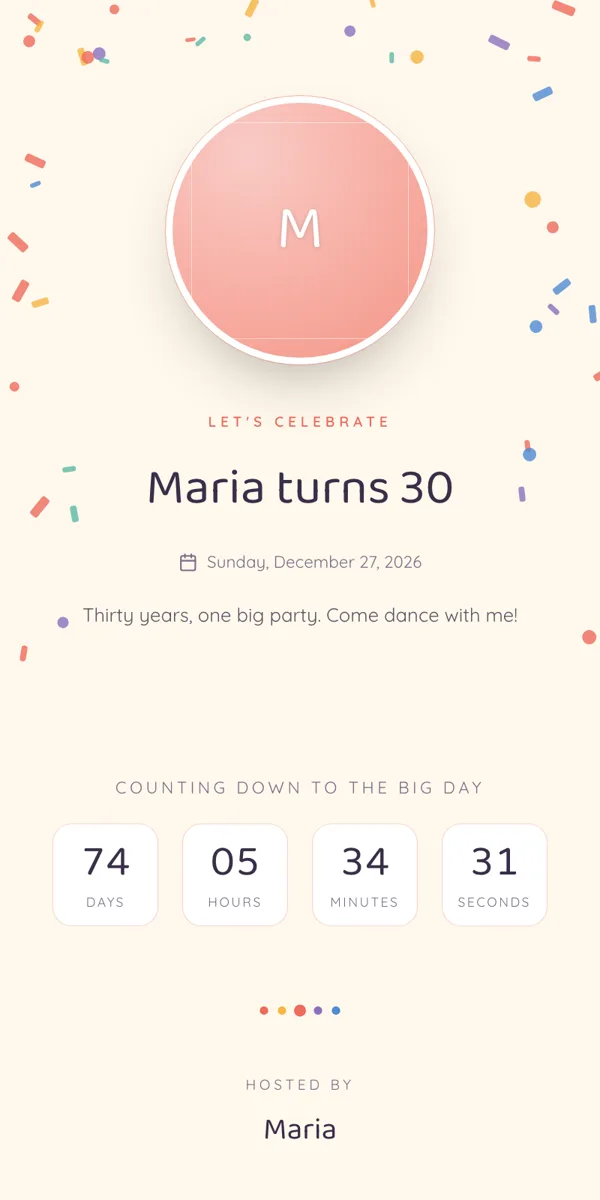
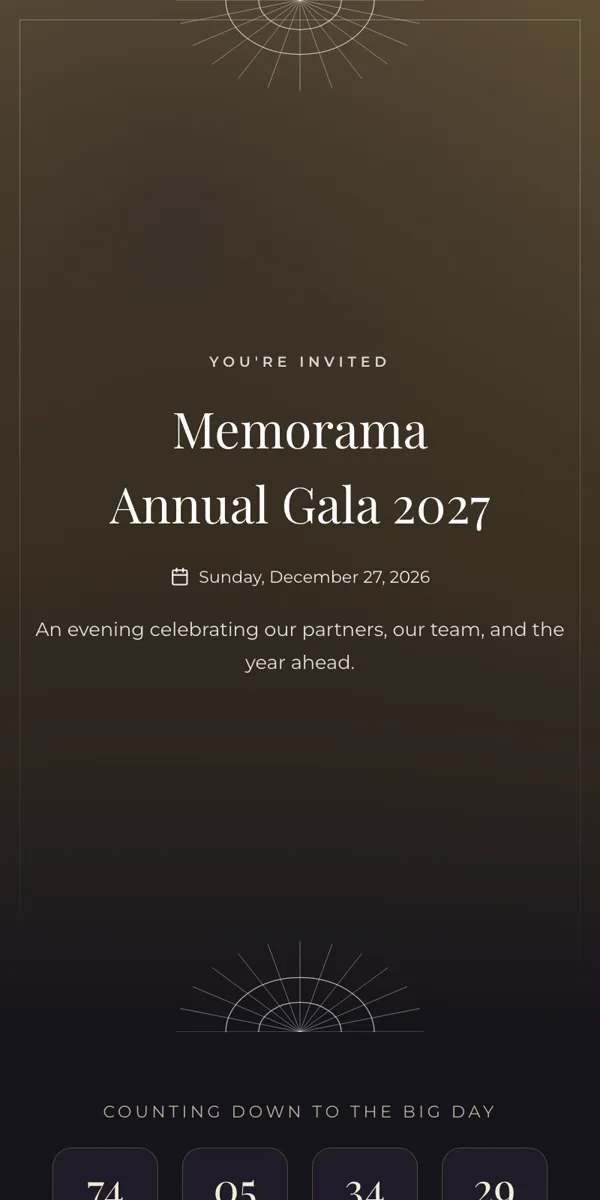
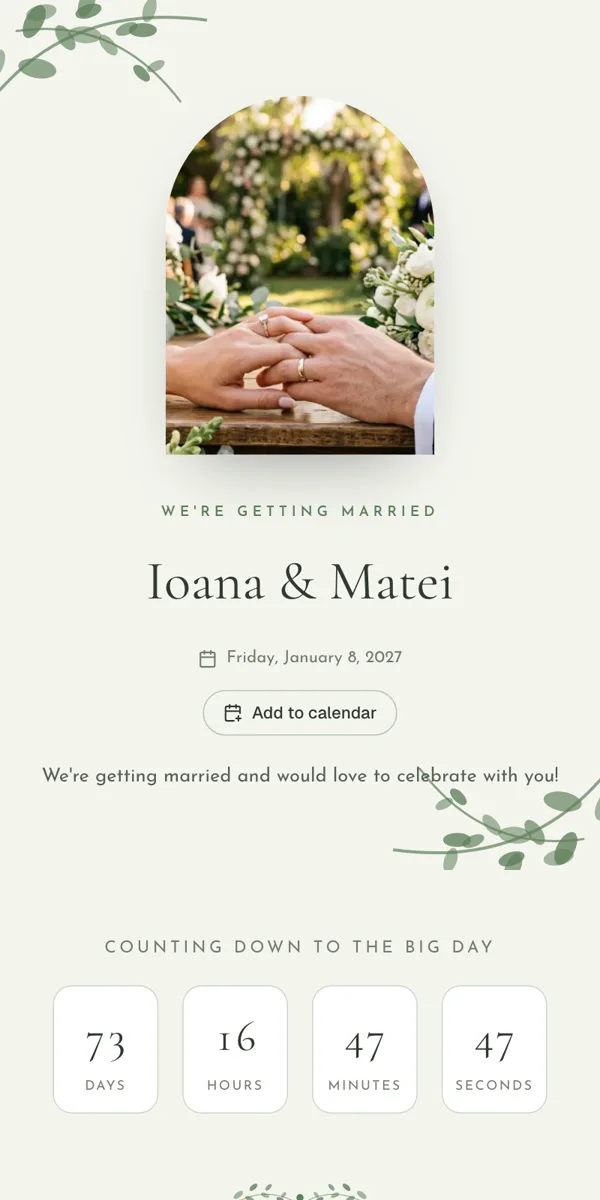
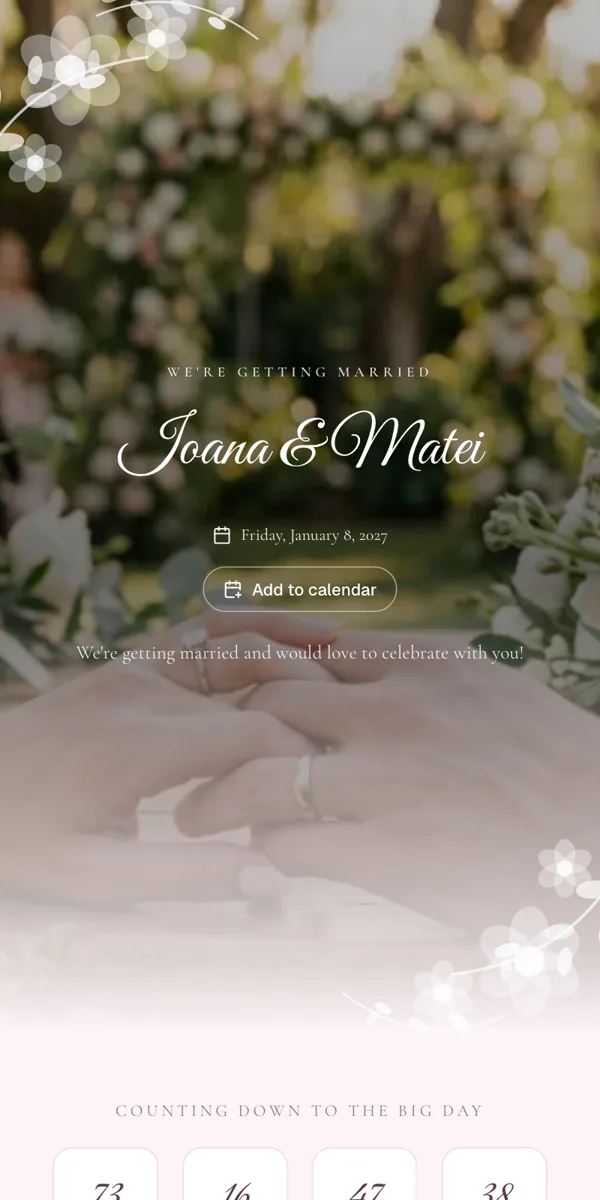
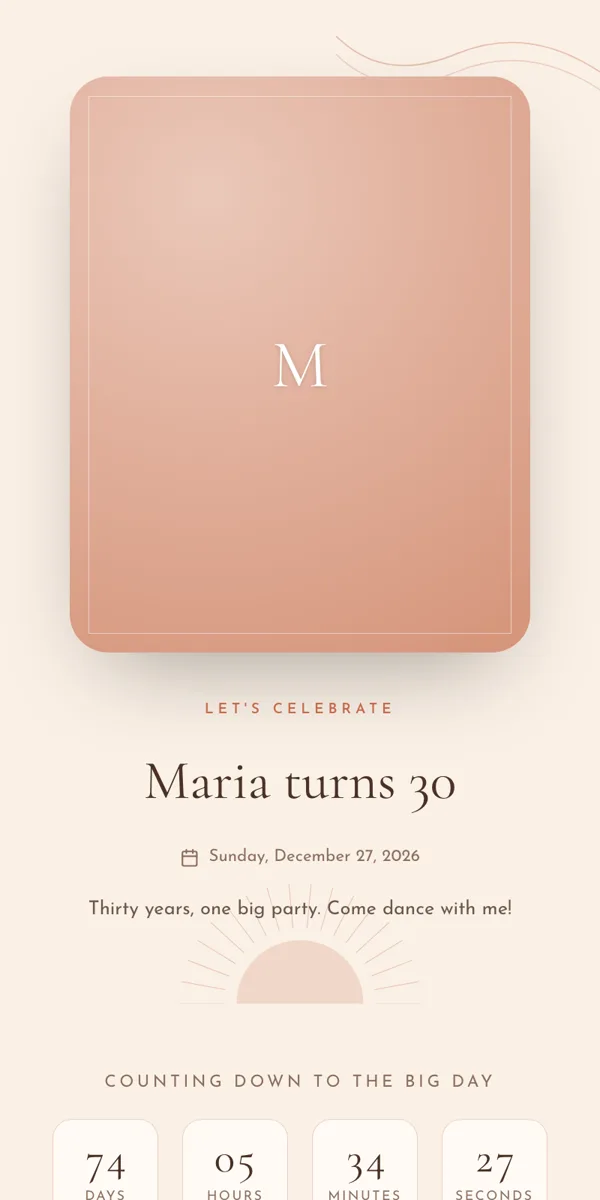
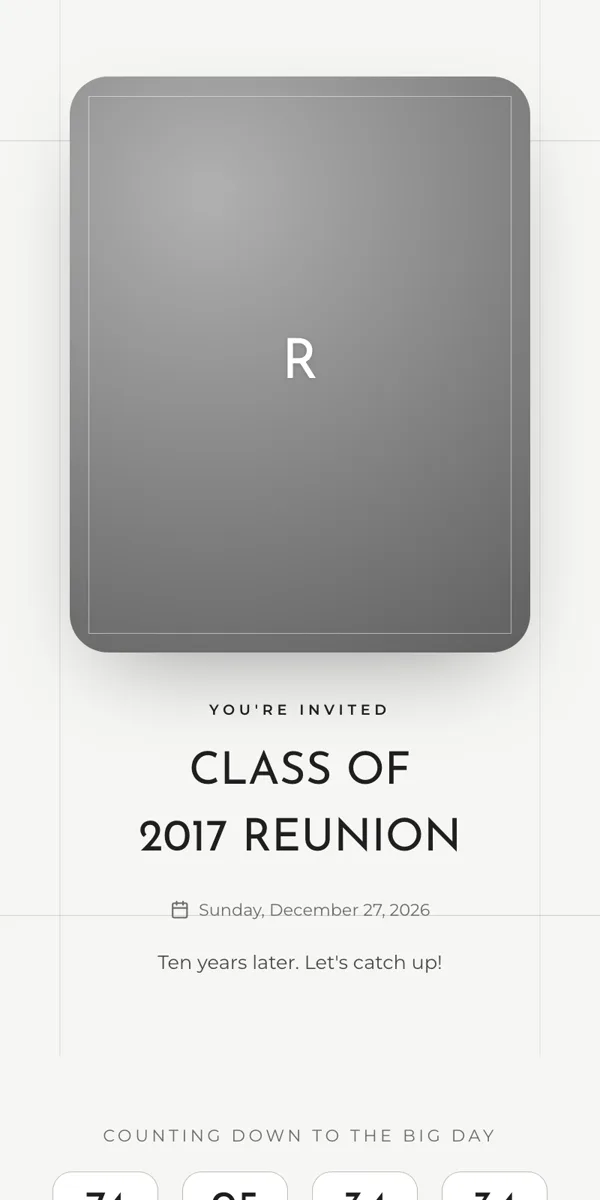
Choose your event type and one of 14 templates; titles and layout adapt automatically.
- 2
Make it yours
Click any text to edit it, add the program, locations and photo, and preview the invitation as a guest.
- 3
Send the link
Copy the link, show the QR code, or send it straight to a messaging app.
- 4
Follow the replies
See who's coming, who isn't and who hasn't answered yet. New replies reach you by email, at most once an hour.
Send it where you already talk to your guests
- Telegram
- Messenger
- SMS
- Copy link
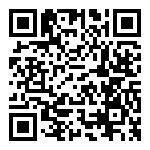
QR code for printed invitations
Shared or personal
The shared link
Post it in a group or on social media and guests type their names when they reply. Your list doesn't have to be ready first.
Personal links
Already added your guests? Each family gets a link that opens with their names filled in, so replying takes a few taps.
The short link
Short, easy to read, easy to send
Your invitation link can be even shorter: on this domain, with nothing extra. It reads well in a text message, fits on a printed card and opens the same page.
- You choose the first part of the link, like your names.
- Links and QR codes you've already sent keep working, even if you change the link.
- The same link opens the invitation on any phone, no app needed.
Full link
memorama.io/invitation/ioana-si-matei-7c41a9e2
Short link
invitatie.la/ioana-si-matei-7c41a9e2
For guests
Everything they need, on one page
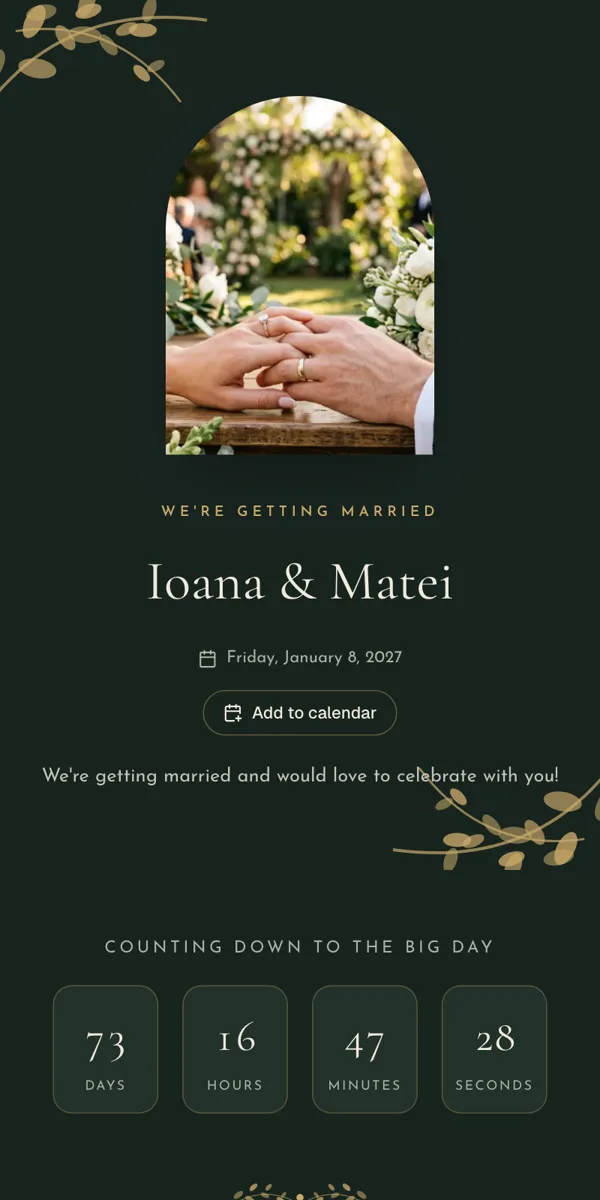
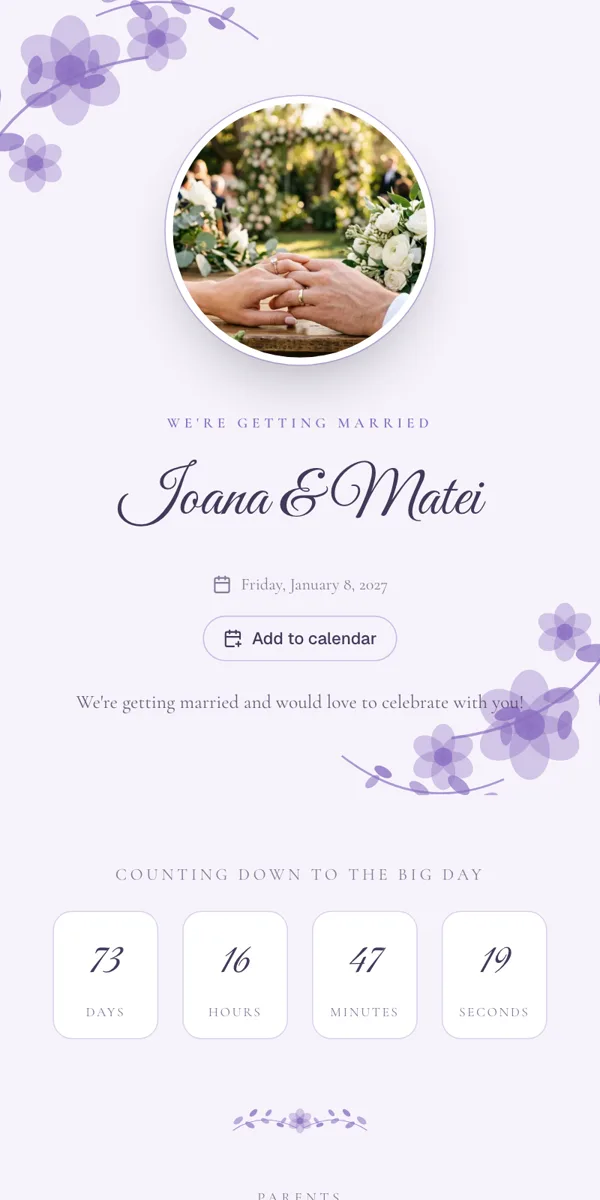
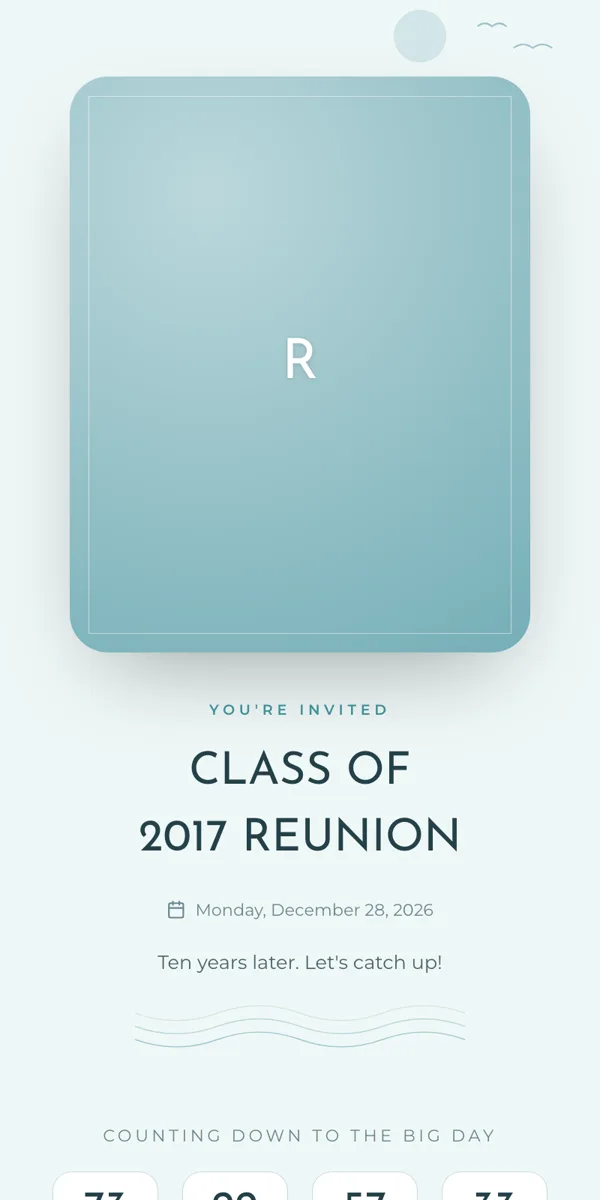
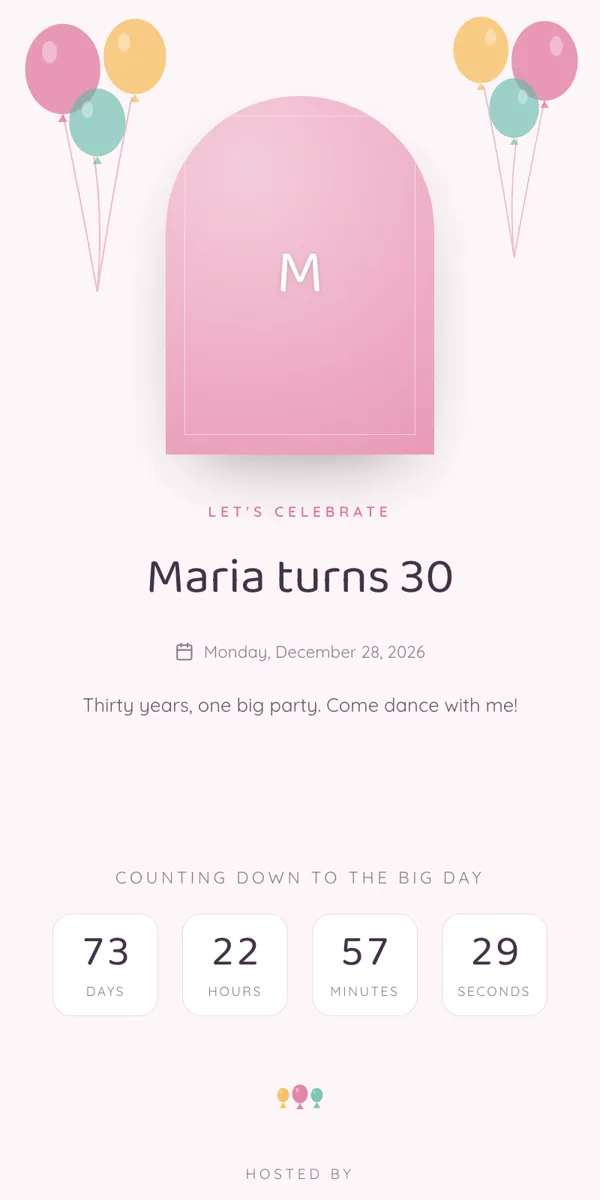
The invitation looks like your event and is made for phones. Guests find the details, get to the venue and reply without calling you.
Program and maps
Every moment of the day with its time and place, and a map for each location.
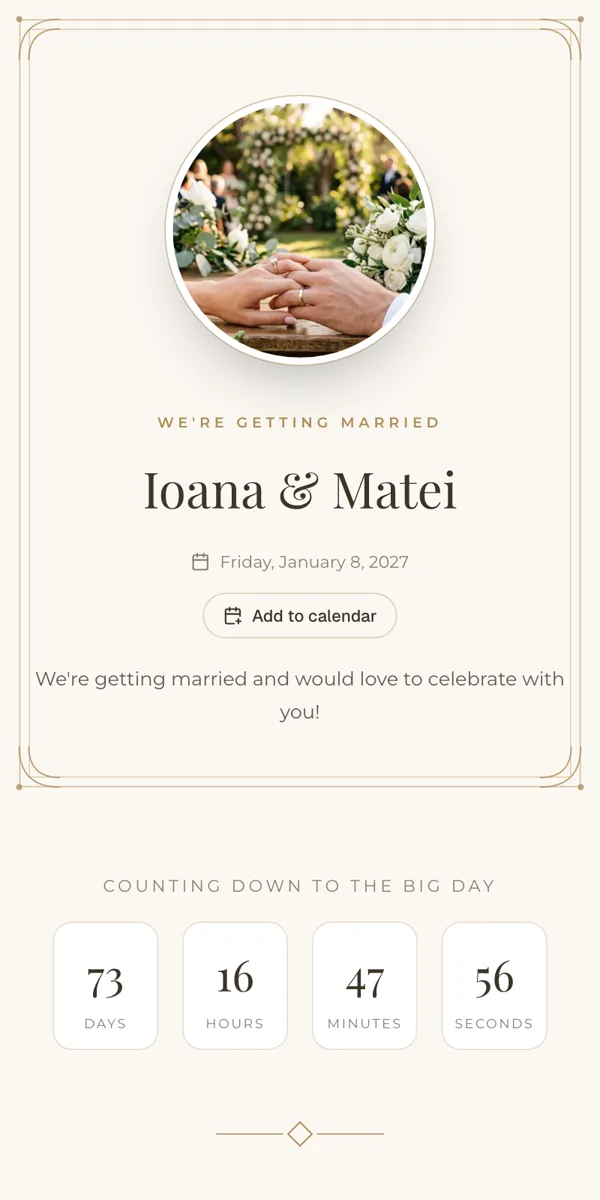
Countdown
The days left until the event and the date to reply by.
Reply in a few taps
They add their companions and mark who is a child or an infant. On a personal link their names are already filled in.
Your questions
Menu, allergies, accommodation: each companion answers for themselves, and the answers become columns in your list.
Add to calendar
One button puts the program in their phone's calendar, with the invitation link in every entry.
Their table
Once your seating plan is ready, guests can look up their table from their phone.


Why a link
Simpler than paper, group chats or a separate website
The online invitation is connected to the rest of your planning, so you stop copying replies by hand.
Sending the invitation
The usual way: Printed cards, addresses and trips, or the details pasted in a group
With a Memorama link: One link on WhatsApp, Telegram, Messenger, SMS or in a QR code
Replies
The usual way: Calls and messages you copy into a spreadsheet by hand
With a Memorama link: Replies land in your guest list on their own, with adults, children and infants counted
Chasing replies
The usual way: Calling or messaging everyone and losing track of who you asked
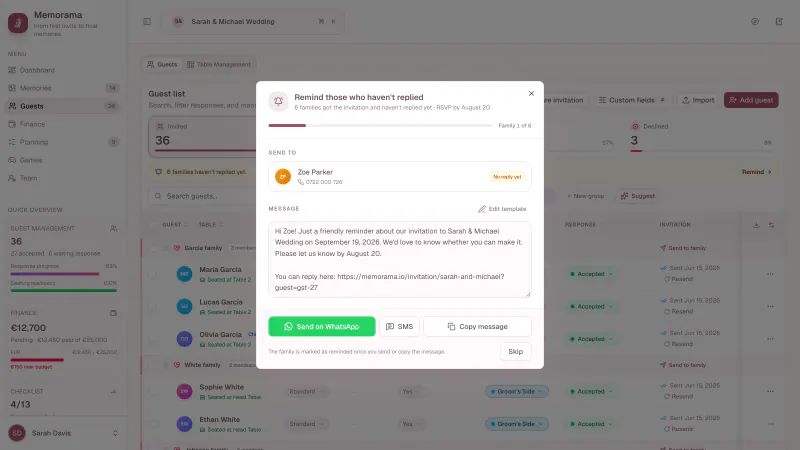
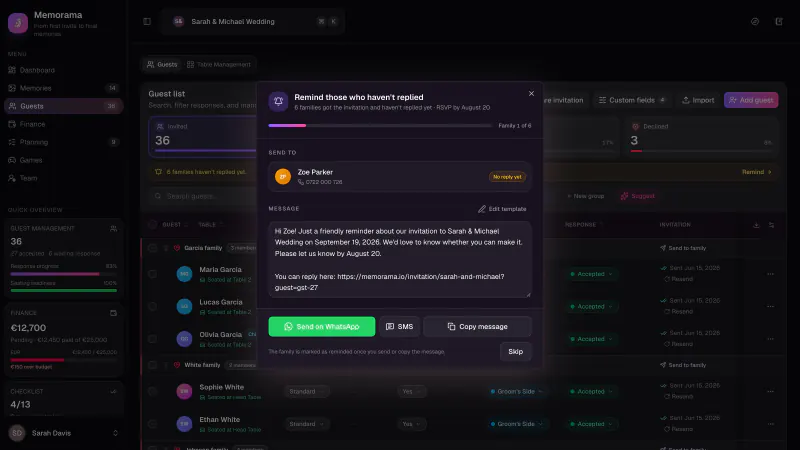
With a Memorama link: A reminder for each family who hasn't answered, with the date you last reminded them
Directions and program
The usual way: An address on the card that guests look up themselves
With a Memorama link: The program, a map for each location and a countdown
Menu and allergies
The usual way: Another round of messages before the event
With a Memorama link: Your own questions, asked right in the RSVP form
Invitation and guest list
The usual way: A separate invitation website, disconnected from your list
With a Memorama link: Personal invitation links tied to each guest
FAQ
What hosts ask
Do guests need an app or an account?
No. The invitation opens in the phone's browser, and guests reply without an account or installing anything.
Can I try the editor before creating an account?
Yes. Open the live demo, switch templates and event types, and edit the sample invitation. Nothing is saved until you create your event.
Do I have to add guests before sending the invitation?
No. Send the shared link and guests add their own names when they reply. They appear in your guest list automatically.
Does it work for events other than weddings?
Yes. There are templates and texts for baptisms, birthdays, corporate events and any other gathering, and every template works for any event type.
What happens if I change the link?
Links and QR codes you've already sent keep opening your event, until you delete the old link yourself.
Will I know when a guest replies?
Yes. Memorama emails you the new replies, at most once an hour: who's coming, who isn't, and who changed their answer. You can turn these emails off in your settings.
How much does it cost?
You can try the editor for free, and the guest list, seating, budget and tasks are free. The invitation page with automatic RSVP is part of the Ultimate plan.
More than invitations
The whole event, in one place
The invitation link is only the start. Memorama also handles the rest, from the guest list to an album with everyone's photos.
Guest list & RSVP trackingFree
Import your list, track every reply, and remind those who haven't answered.
Learn more
Interactive table plannerFree
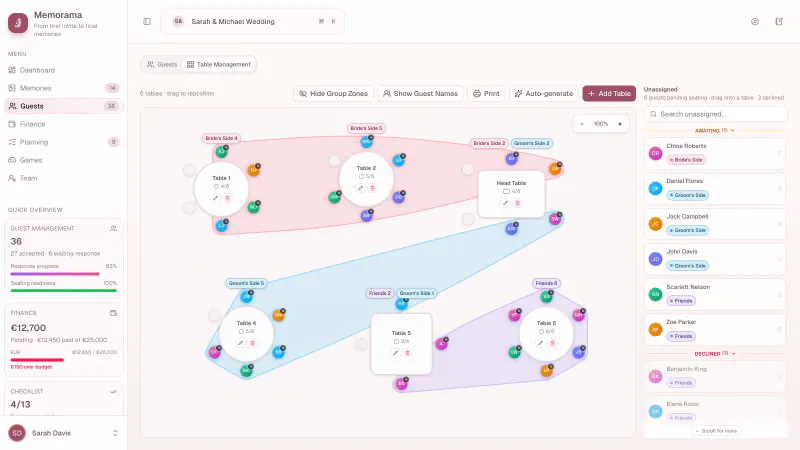
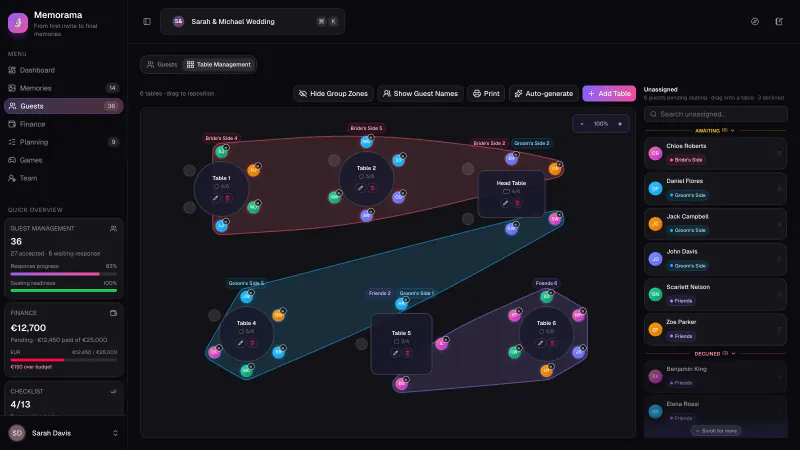
Drag guests onto tables on a visual plan, then print the plan and place cards.
Learn more
Budget, vendors & paymentsFree
Expenses, vendors, due payments, and who paid what, in one place.
Learn more
Cash gift trackerFree
Note every cash gift by guest or family and see what the event really cost.
Learn more
Tasks & notesFree
A planning checklist with due dates, owners, and shared notes.
Learn more
Day-of scheduleFree
Every moment of the day in order, ready to print or send to vendors.
Learn more
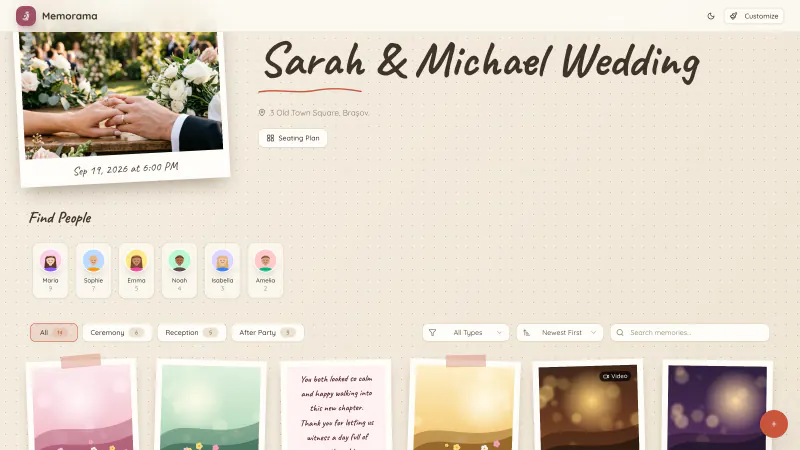
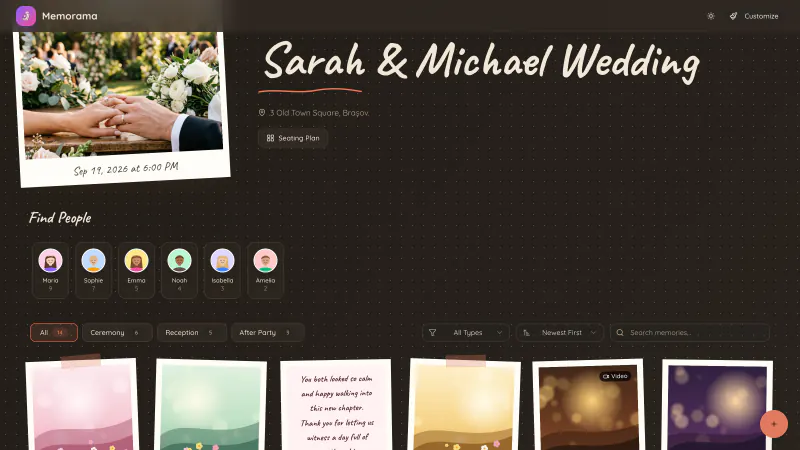
QR code memory album
Guests scan the code and add photos, videos and messages to one gallery.
Learn more
AI face grouping
Every guest quickly finds the photos they're in.
Learn more
Wall of memories
Guests' photos appear live on a screen at the venue.
Learn more
Live party games
Quiz, charades and polls played from guests' phones, live on the big screen.
Learn more
Photographer media
Add the professional photos and videos to the same album after the event.
Learn more
Printable seating chartFree
The room plan, table lists, a find-your-table board, and place cards.
Learn more
Send your first invitation today
Try the editor without an account, or create your event for free and plan the rest in Memorama.